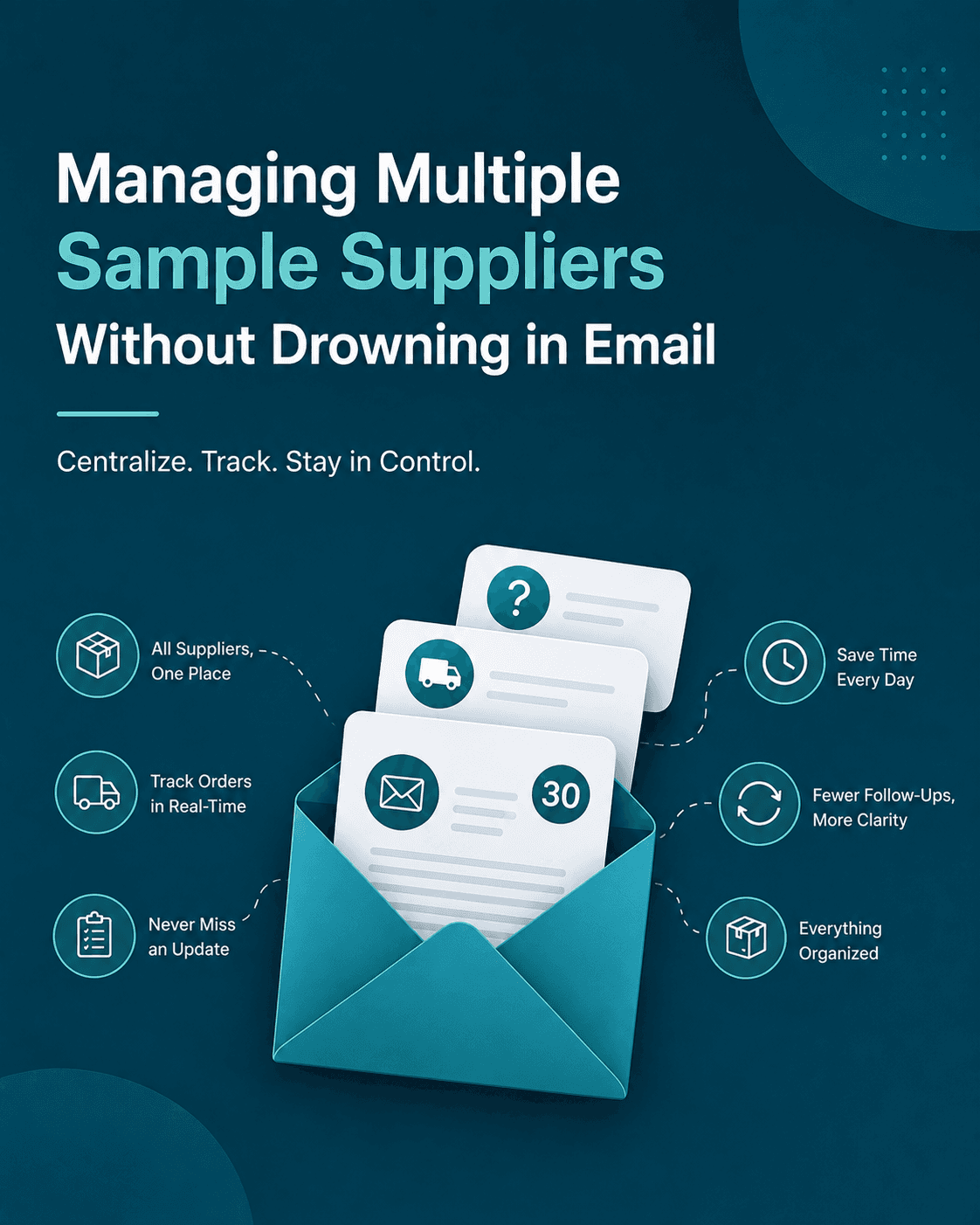
You wake up, grab coffee, check your inbox. It's 9 AM. You already have 30 emails from sample suppliers.
Some are confirmations. Some are questions about delivery. Some are following up on orders you placed three days ago. A few are asking if you received something that arrived last week. Your brain hurts just thinking about opening all of them.
If this sounds familiar, you're not alone. Anyone managing multiple suppliers knows this pain. It's not that suppliers are disorganized. It's that coordinating across dozens of conversations, each happening in different threads, at different speeds, is just exhausting.
The Problem Nobody Wants to Talk About
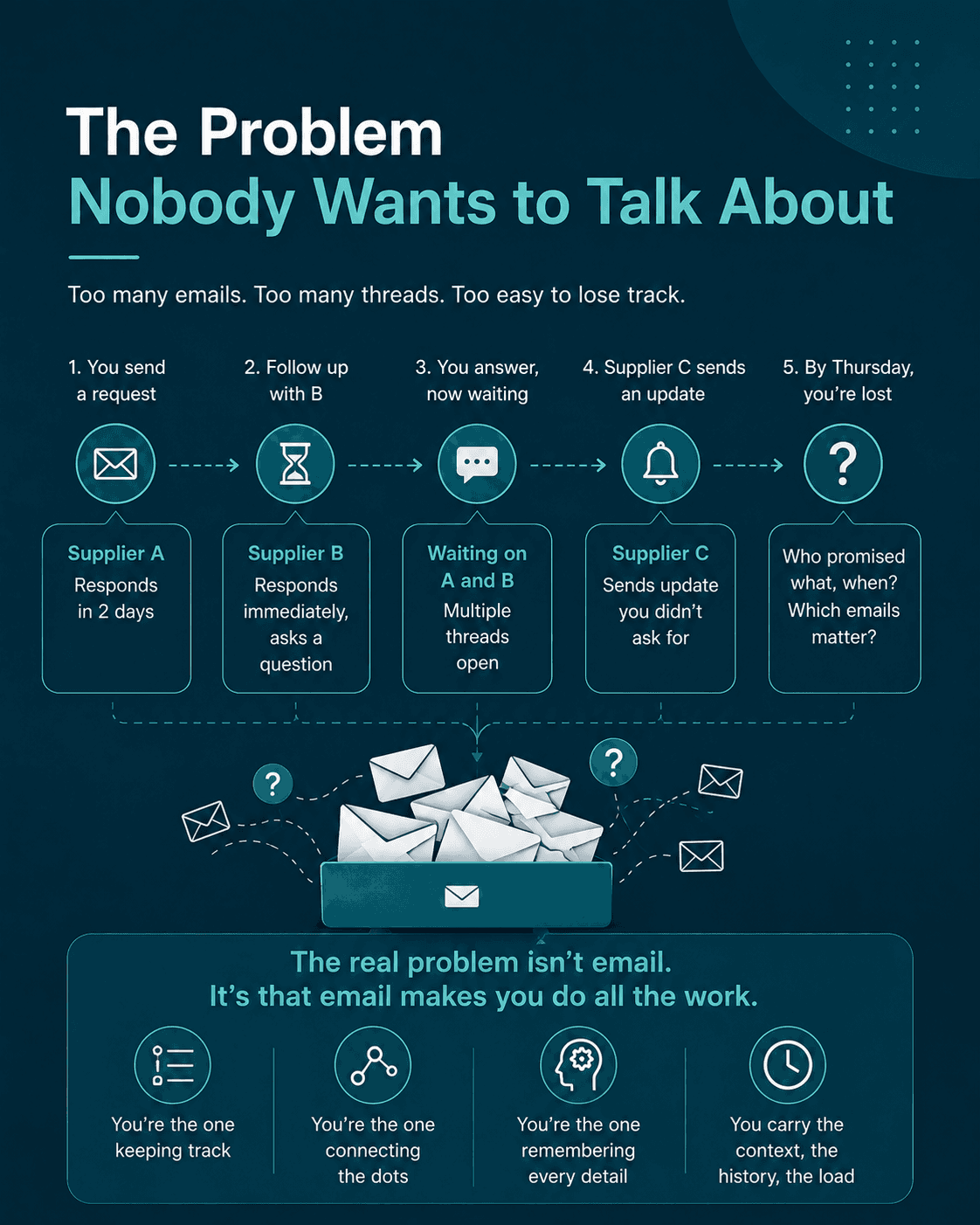
Here's what usually happens:
You email Supplier A with a request. They take 2 days to respond. While waiting, you follow up with Supplier B. B responds immediately but asks a question. You answer. Now you're waiting on B and A. Meanwhile, Supplier C sends an update you didn't ask for, and you have to figure out if it relates to your original order or something else.
By Thursday, you've lost track of who promised what, when they promised it, and which emails you actually need to keep.
Then someone asks: "Did you hear back from that supplier?" And you have to dig through 20 email threads to find out.
The real problem isn't email. It's that email makes you do all the work. You're the one keeping track. You're the one connecting the dots. You're the one remembering that Supplier A is slow but reliable, and Supplier B is fast but forgets details.
What Automation Actually Looks Like
Most people think automation means robots take over. It doesn't.
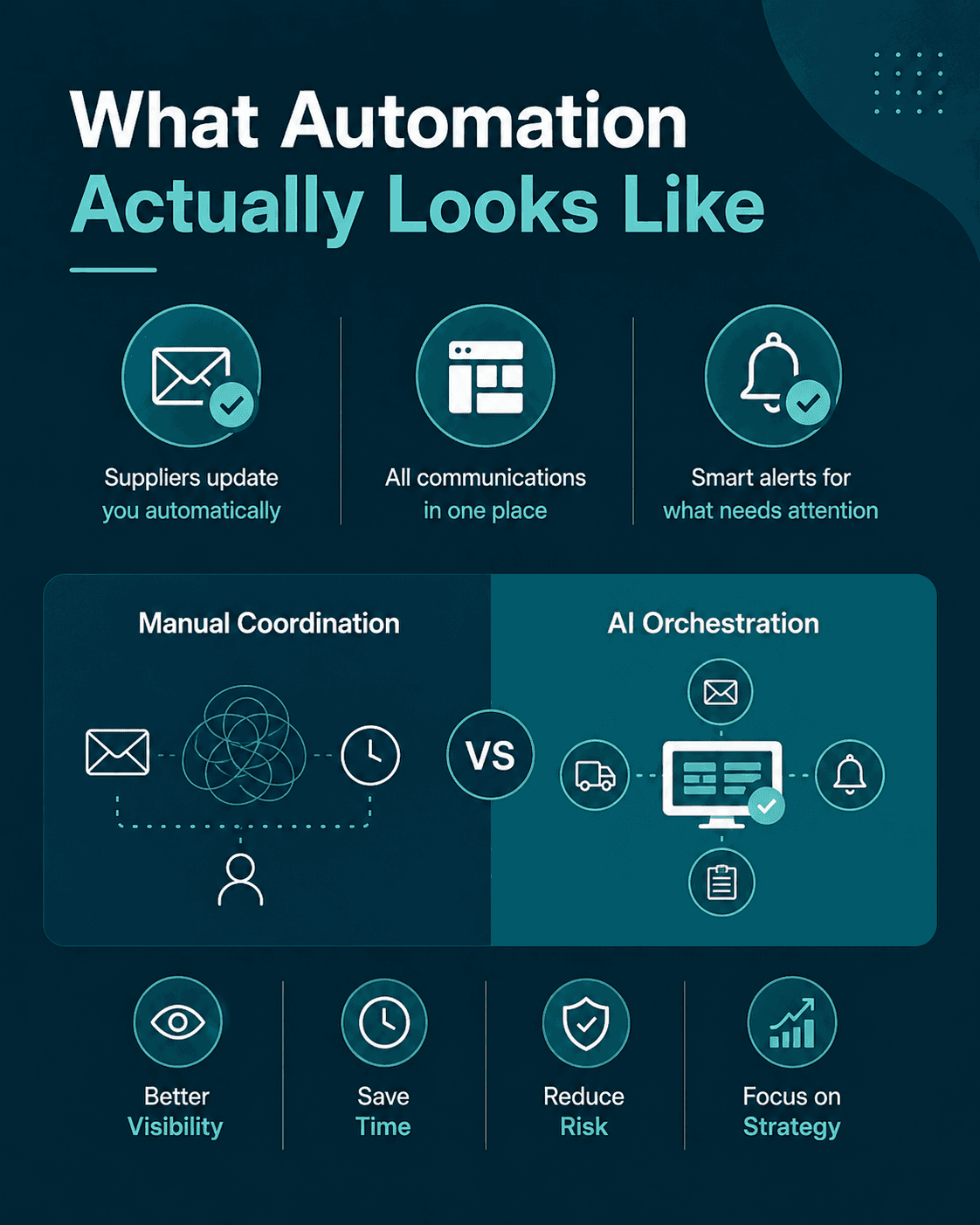
What if your suppliers kept you updated without you asking? What if you could see all supplier communications in one place instead of hunting through email? What if the system flagged deliveries that are late, or flagged when you forgot to confirm something?
That's the shift from manual coordination to what we call AI orchestration.
Think of it like the difference between writing down every appointment in a notebook versus using a calendar. The calendar doesn't make your appointments for you. It just keeps them organized so you can actually get to them on time.
What This Actually Saves You
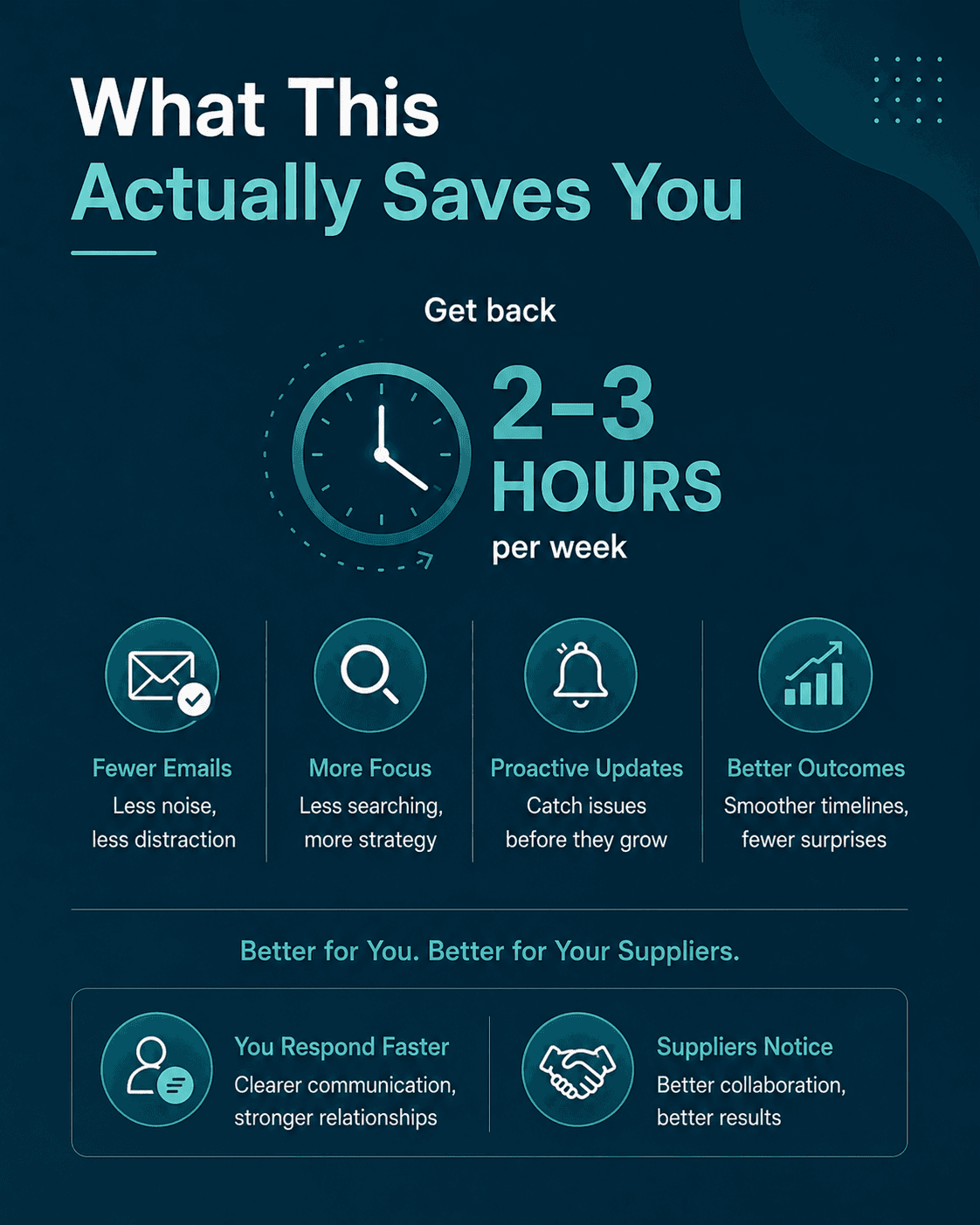
Let's be real: what would you do with 2 to 3 hours per week?
That's roughly what most people get back when they stop manually tracking supplier communication. Not because the work goes away. But because it gets organized.
Fewer emails means less distraction. Less time digging through inboxes means more time on actual procurement strategy. Automatic updates mean you catch problems before they become emergencies.
And your suppliers notice too. When you're not scrambling to remember what they said, you respond faster. When you're not confused about timelines, things go smoother.
How to Start
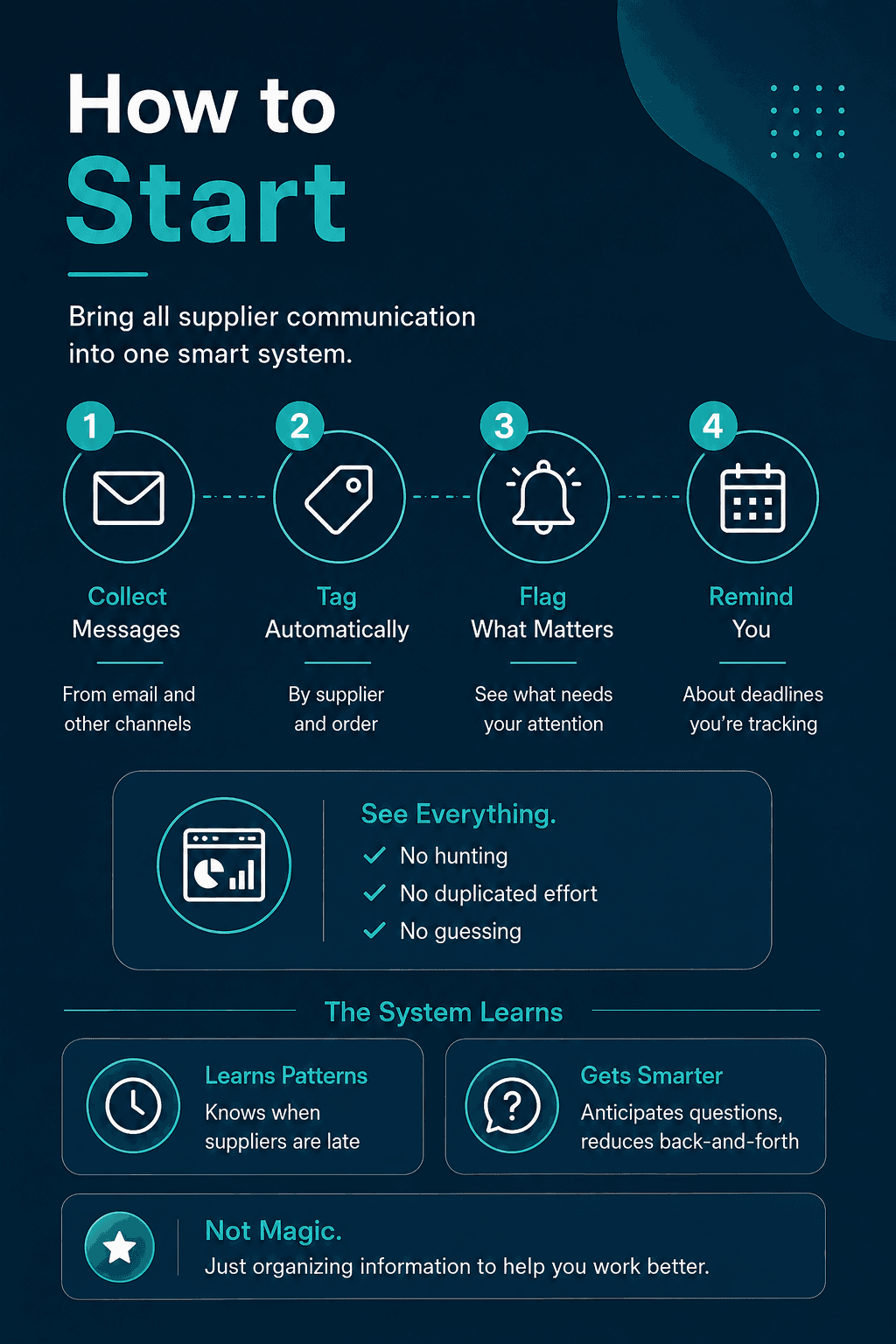
You don't have to change your suppliers. You don't have to force them onto a new platform. What works is bringing all supplier communication into a single system that:
1. Collects messages from email and other channels
2. Tags them by supplier and order
3. Flags what needs your attention
4. Reminds you about deadlines you're tracking
From there, you see everything. No hunting. No duplicated effort. No guessing whether you followed up with someone.
he system watches for patterns too. It learns that Supplier A always takes 3 days, so when they're late by day 4, it tells you. It sees that Supplier B always asks the same question, so next time you include the answer upfront.
This isn't magic. It's just organizing information in a way that actually helps you work.
The Real Win
The biggest win isn't saving time, though that's real.
It's the peace of mind. You're not walking around wondering if you forgot something important. You're not sitting in a meeting realizing you need information that's buried in an email from last week. You're not stressed because something is late and you're not sure why.
You just know. Because you have one place that shows you everything that matters.
And that's worth more than 30 emails before 9 AM ever were worth to you.